


Claude Duet vs Claude Cowork: Who starts the work, and when to use each
Use Claude Duet when you want Claude to watch your connected apps and message you first; use Cowork when you hand Claude a defined task and come back to review it. Anthropic is moving Cowork into the main Claude app, starting with Pro, Max and Ultra plans, while Duet stays a separate app in a US research preview.
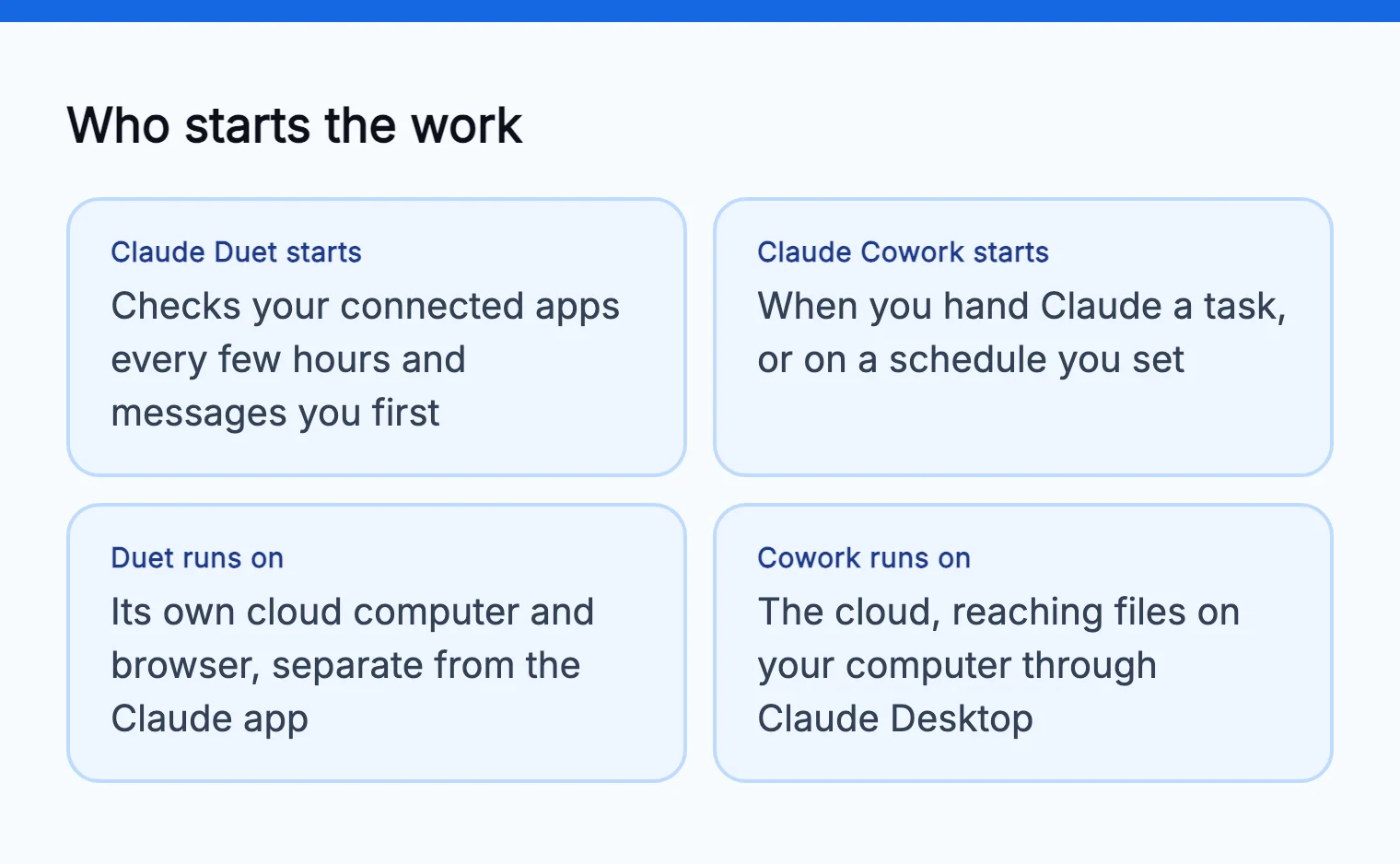
- Duet starts the work: it checks your apps every few hours, sends a morning brief and follows up on quiet threads.
- Cowork starts when you do, with a task or a schedule you set.
- Duet is limited to invited Pro, Max and Ultra users in the US; Cowork is on every paid plan, including Team and Enterprise.
- Cowork can work with files on your computer through Claude Desktop; Duet can't see them.
- Both use your own Claude memory and connectors, so neither shares a team's knowledge across people.
Contents


Duet vs Cowork
Who starts the work
What is the difference between Claude Duet and Claude Cowork?
The difference between Claude Duet and Claude Cowork is who starts the work. Claude Duet is a proactive agent in its own app: it checks your connected apps, tells you what needs attention and follows up for you. Cowork is how you hand Claude a defined task inside the main Claude app.
Anthropic now says Cowork "is now just Claude": the combined chat and Cowork experience is rolling out to Pro, Max and Ultra plans, and on Team and Enterprise it applies where Chat and Cowork unified is turned on. In practice, choosing between them means choosing between Duet and the task mode built into the Claude app you already use.
How do Claude Duet and Cowork compare?
Claude Duet and Cowork compare most clearly on who starts the work, where it runs and who can use it today. The rest of the table follows from that split: Duet is built to keep watch, Cowork is built to finish a job you define.
| Claude Duet | Claude Cowork | |
|---|---|---|
| Who starts the work | Duet, often: it checks your apps every few hours and messages you first; you can also assign tasks | You do, with a task or a saved schedule |
| Where it runs | Its own cloud computer and browser; keeps working after you close the app | In the cloud for new Pro, Max and Ultra tasks; reaches your local files through Claude Desktop |
| Where you use it | Its own app on iOS and Android, and on the web | The Claude app on desktop (macOS, Windows, Linux in beta), web, mobile and Claude in Chrome |
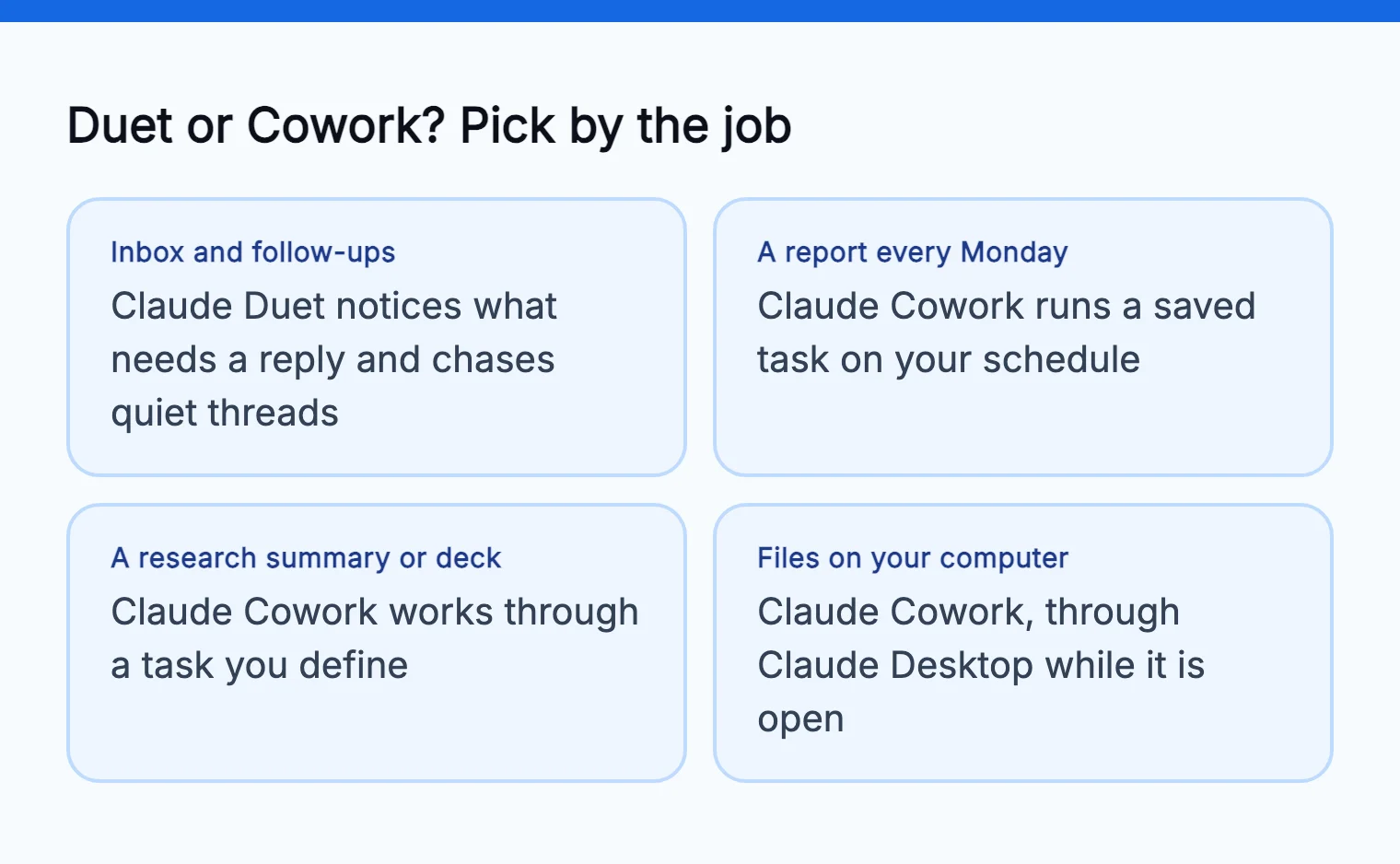
| Files on your computer | Can't see them | Yes, while Claude Desktop is open |
| Connectors | Connectors you set up in Claude carry over, with a few exceptions | Apps you've connected to Claude work during a task |
| Memory | Your Claude memory and skills, plus Duet chats and Claude chats outside projects | What Claude remembers from your chats; can be turned off per task |
| Plans and regions | Pro, Max and Ultra, US only, by invitation; not on Team or Enterprise yet | Pro, Max, Ultra, Team and Enterprise; not Free |
| Approvals | Asks before sending messages, paying, signing or deleting; some actions are off-limits | Three modes: Manual asks before actions, Auto has an automated check review them, Skip all approvals doesn't pause; asks before permanently deleting files, though computer use runs without those checks |
| Best for | Staying on top of email, calendar and follow-ups | Research, analysis and documents you define |
When should you use Claude Duet?
Use Claude Duet when the hard part is noticing what needs doing. It reads your inbox, calendar and other connected apps on its own, sends a short brief each morning and chases threads that went quiet. It asks before it sends a message, makes a payment, signs a document or deletes anything.
Anthropic says Duet is strongest at work tasks and weaker at personal errands such as booking tickets. It runs on Claude Opus 5.5 with no model picker, and its background checks count toward your plan's 5-hour and weekly limits. The Duet pricing and usage limits guide covers that in detail.
When should you use Claude Cowork?
Use Claude Cowork when you know the job and want it done well: a research summary, a financial analysis, a deck or a cleaned-up folder of files. You describe the task, Claude works through it with your files and connected apps, and you review the result.
Cowork tasks can also run on a schedule, such as a report every Monday, and scheduled tasks run in the cloud without your computer awake. Anthropic notes that Cowork uses your plan's limits faster than an ordinary chat, so long tasks are worth scoping before you start.
Can you use Claude Duet and Cowork together?
Yes, if your plan and region allow Duet. They do different jobs and draw on the same Claude account: Duet can read your work in Claude but not change it, and both use the connectors and memory you have already set up. A common split is Duet for what needs attention and Cowork for the tasks that come out of it.
For how Duet compares with other proactive agents, see Claude Duet vs Muse, Grok Bot and dots.
How does HeyBrain work with Claude Duet and Cowork?
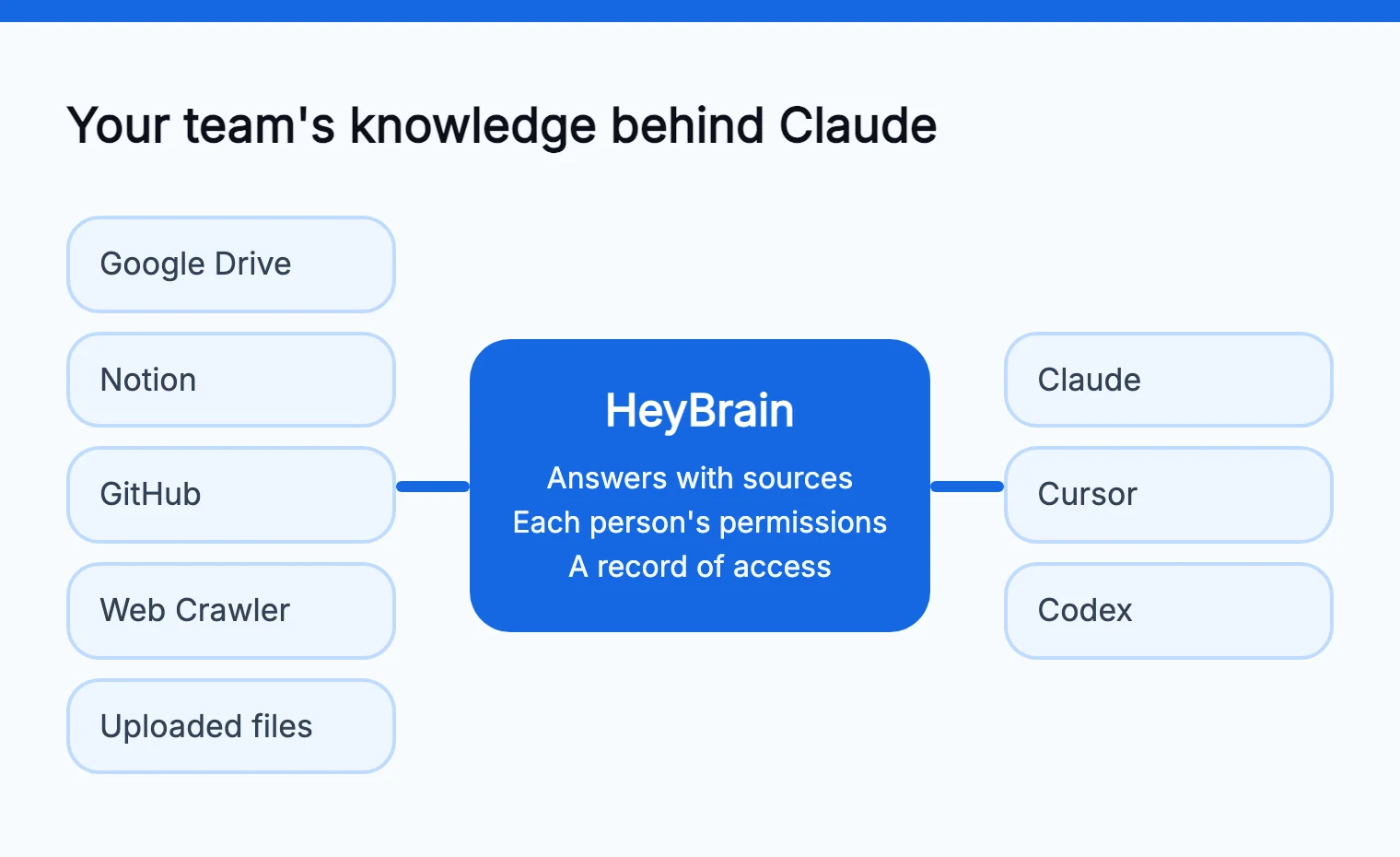
HeyBrain gives Claude Duet and Cowork your team's shared knowledge instead of one person's. Both work from your own Claude account's memory and connectors, so neither shares what a team knows across people and other AI tools. HeyBrain connects to Claude as a connector, built on MCP (Model Context Protocol, an open standard that lets AI tools call outside services).
Once connected, Claude answers from your team's Google Drive, Notion, GitHub and other sources with citations, within each person's permissions, and HeyBrain keeps a record of which person asked each question. The same knowledge reaches Cursor and Codex. The shared knowledge layer for Claude Duet and HeyBrain for Claude show how that works.
Frequently asked questions
What is the difference between Claude Duet and Cowork?
Claude Duet starts the work: it checks your connected apps, sends a morning brief and follows up on its own. Cowork waits for a task you hand it, then carries it out with your files and apps. Duet is a separate app in a US preview; Cowork is moving into the main Claude app.
Can I use Duet and Cowork together?
Yes, if you have Duet access. Both use the same Claude account, memory and connectors, and Duet can read your work in Claude without changing it. Many people let Duet surface what needs attention, then hand the larger tasks to Cowork. HeyBrain can give both the same shared team knowledge.
Which plans include Claude Duet?
As of November 24, 2026, Claude Duet is a research preview for Pro, Max and Ultra subscribers in the US. You need an invitation from the waitlist or from a Duet user. Anthropic says Team and Enterprise are not included yet and plans to add them later. Duet uses your plan's normal usage limits.
Can Claude Duet see files on my computer?
No. Claude Duet works on its own cloud computer and browser and can't see files on your computer. It also can't see all your projects. If a task depends on local files, Cowork through Claude Desktop can work with them while the app is open.
Does Cowork run in the background?
Yes, for cloud tasks. Anthropic says Cowork cloud sessions keep running when the desktop app is closed or your computer is asleep, and scheduled tasks run in the cloud. A task that needs your local files can only reach them while Claude Desktop is open.
Do Duet and Cowork share memory with my team?
No. Both use the memory and connectors of your own Claude account, so what Claude knows stays with you. To give Claude your team's shared, permission-aware knowledge, connect HeyBrain: it answers from your team's sources with citations and keeps a record of which person asked each question.
Pick Claude Duet when you want Claude to watch and come to you, and Cowork when you have a task to hand over. Either way, Claude works best from your team's real knowledge, and HeyBrain brings that knowledge to Claude.