
To connect Google Drive and Notion to AI in HeyBrain, open Library and select Connect source. Choose Connect and sync on the Google Drive or Notion card, approve access with the provider, and pick the files, folders or pages to sync. HeyBrain reads them without editing anything, and imports stay private to you until you share them.
At a glance
- HeyBrain only reads. It never edits, moves or deletes a Drive file or a Notion page.
- Drive imports keep Google's sharing: a teammate must also be allowed on the file in Google.
- Notion covers only the pages you pick. Notion's own page permissions are not copied.
- Everything you import stays private to you until you share it in HeyBrain.
Before you start
- A HeyBrain account in the workspace where the knowledge belongs.
- A Google account with access to the Drive files you plan to sync, and a Notion account with access to the pages.
- If your company uses Google Workspace, an admin may need to allow third-party apps first.
Connect Google Drive
1. Open Connect a source
In Library, select Connect source. The Add knowledge dialog opens with Connect a source selected and lists the sources you can connect.
2. Start the Google Drive connection
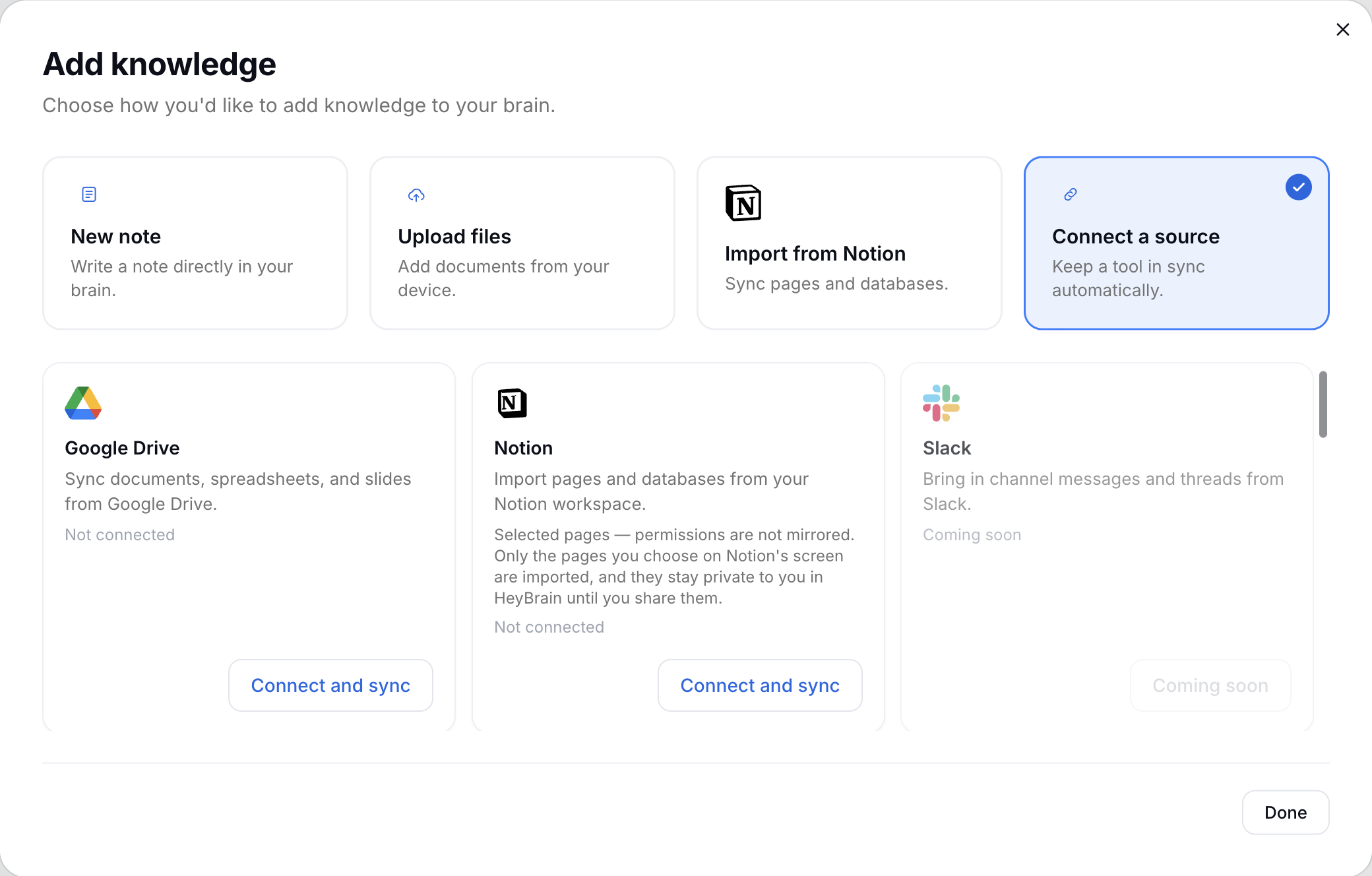
On the Google Drive card, select Connect and sync. Google's sign-in opens.
3. Approve read-only access in Google
Sign in with the Google account that holds the files and approve the request. HeyBrain asks only for read-only Drive access: it can see and download your files, never change them. Google may show an unverified-app warning. Check that the page address starts with https://accounts.google.com, then continue. If your organization blocks it, ask your Google Workspace admin.
4. Choose what to sync
In Google Drive sync settings, pick Sync my whole Drive or Choose files and folders (up to 100 items; a chosen folder includes files added to it later). Leave Keep automatically updated on to check for changes about every hour, then select Save and sync.
5. Check the connection and what arrived
The Drive card now shows your choice and sync schedule. Select View report for each file's outcome, then find the files in Library under the Google Drive source.
Connect Notion
1. Start the Notion connection
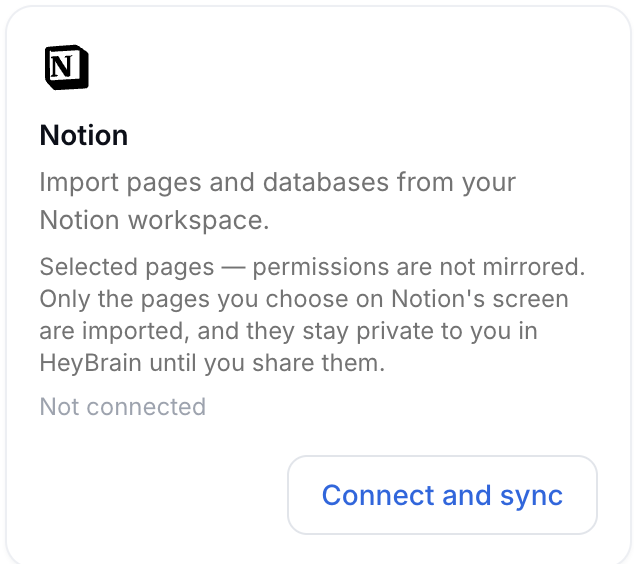
In Connect a source, select Connect and sync on the Notion card. The card notes that only the pages you select are imported and that Notion's permissions are not copied.
2. Pick the pages to share
Notion asks which pages HeyBrain may access. Select only the pages you want in HeyBrain and confirm in Notion. HeyBrain can read those pages and nothing else in your Notion workspace.
3. Check the connection and keep it current
The Notion card shows the connection. Use Choose pages to change the selection, and Keep automatically updated to check the chosen pages for changes about every hour.
Who can read what I connect?
Only you, until you share an item in HeyBrain. A Drive file also needs the reader to be allowed on it in Google.
Drive and Notion imports are private to the member who connected them. To let teammates use one, share it in HeyBrain. For a Drive file, HeyBrain then checks the file's Google sharing too: the reader must match an allowed person, their verified email domain or a public link, and a block on the file always wins. Teammates do not need to connect Google themselves.
Notion is different. HeyBrain does not copy Notion's page permissions, so sharing an imported Notion page in HeyBrain is the only thing that decides who else can read it. Read more on permission-aware retrieval.
What happens when someone loses access in Drive?
HeyBrain re-reads a file's Google sharing on its next sync and applies the change then.
If a file is removed, or its sharing can no longer be read completely, HeyBrain stops answering from it until the next sync confirms access. Automatic sync checks about every hour after the previous sync finishes; select Sync now on the card to check sooner. There is no published guarantee for how fast a removal takes effect, so remove anything sensitive in HeyBrain directly as well.
What does an AI governance platform do in practice?
It decides which knowledge an AI may read for each person, enforces that on every answer, and records what happened.
In HeyBrain that means three things you can check: you choose the sources, each answer respects who may read each document, and access is recorded in an audit log. Background: AI access governance and what an AI audit log records. If you only need one Notion page, importing a single page is a lighter option.
Which other sources can I connect?
Notion, Google Drive and Web Crawler are live on every plan; Slack is in beta on every plan. The rest need a paid plan. Beta connectors work but may change.
Prefer a file you control? Upload it instead.
| Connector | Status | Plans |
|---|---|---|
| GitHub | Live | Paid plans |
| Web Crawler | Live | Every plan |
| Slack | Beta | Every plan |
| PostHog | Beta | Paid plans |
| Fireflies | Beta | Paid plans |
| Gmail | Beta | Paid plans |
| Google Calendar | Beta | Paid plans |
What should I check if a connection fails?
Check the provider's own message first: most failures are an admin setting, an unshared page or a missing role.
Google says the app is blocked: your Workspace admin restricts third-party apps. Ask them to allow HeyBrain, following Google's guide to app access control.
A Notion page is missing: it was not selected when you allowed access. Use Choose pages on the Notion card, or see Notion's guide to managing connections.
You can't see Connect source or a connector card: your role or plan may not include it. Ask a workspace admin, or start with uploading a file.
Questions, answered
Does HeyBrain keep my Google Drive permissions?
Yes, for Drive. HeyBrain reads each file's Google sharing and applies it to every answer, on top of HeyBrain's own sharing. A block on the file always wins. Changes in Google apply on the file's next sync.
Can HeyBrain edit my documents?
No. HeyBrain asks Google for read-only Drive access and only reads the Notion pages you pick. It never edits, moves or deletes anything in Drive or Notion.
Does HeyBrain copy Notion page permissions?
No. Notion covers only the pages you select, and those imports stay private to you. Anyone else can read one only after you share it in HeyBrain.
Can I connect Slack or GitHub?
GitHub is live on paid plans. Slack is in beta on every plan: it works, and Slack may show an unapproved-app notice while HeyBrain's Slack Marketplace review is pending.
What are AI governance tools?
Tools that control which data an AI can use for each person and record what it did. In HeyBrain that is source selection, permission-aware answers and an audit log.
Your Drive files or Notion pages should now be in Library, private to you. Next, ask a question about one of them and check its source.